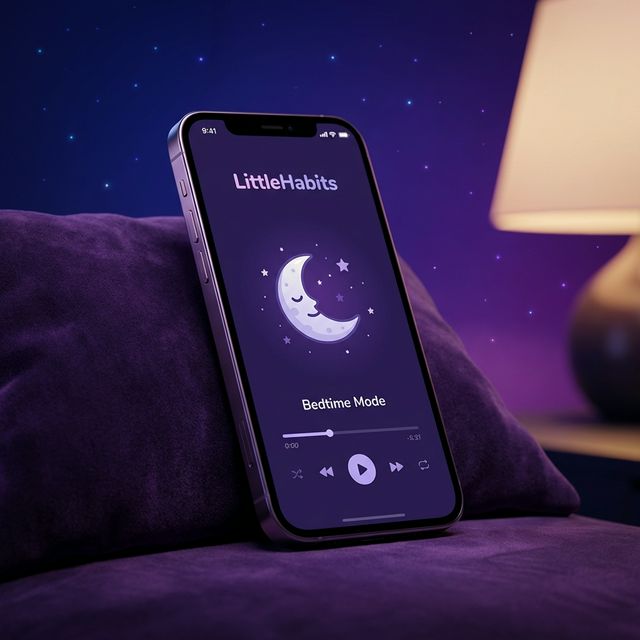
Build Better Habits,
One Story at a Time
LittleHabits helps kids ages 4–12 build positive routines through stories, immersive audio, and gentle reminders—safe, ad-free, and parent-friendly.
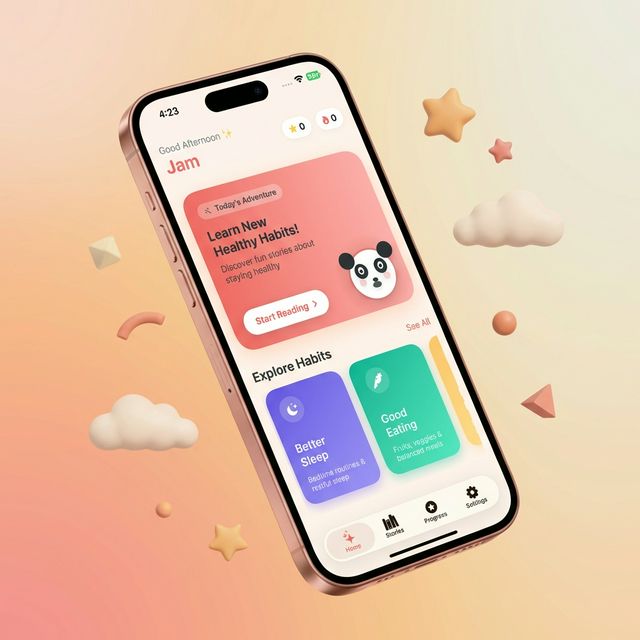
LittleHabits helps kids ages 4–12 build positive routines through stories, immersive audio, and gentle reminders—safe, ad-free, and parent-friendly.
Built for kids, trusted by parents.
Designed to make building habits fun, engaging, and stress-free.
Choose between read-only, listen-only, or read-along modes for every story.
Real-time text highlighting synced with professional audio narration.
Stories for Sleep, Eating, Routine, Manners, and Emotions.
Earn stars, keep streaks, and collect badges for consistency.
Set alarms for story time, bedtime, and daily habit moments.
Secure parent area to manage settings, time limits, and audio.
Enter your child’s name, age, and choose their main goals.
Pick stories based on the habits you want to build.
Read, listen, and earn rewards to stay consistent.
Start for free, upgrade for unlimited habits.
or $5/month
Subscriptions billed via Apple ID. Cancel anytime in Settings.
Have questions? We'd love to hear from you.
Or email us directly at jamshaidsaleem89@gmail.com